
Drive
Keep documents and shared files close to your team’s work.
Explore Drive →wRelay · collaboration
Tasks, requests and approvals that move. Turn everyday work into clear tasks and review steps.
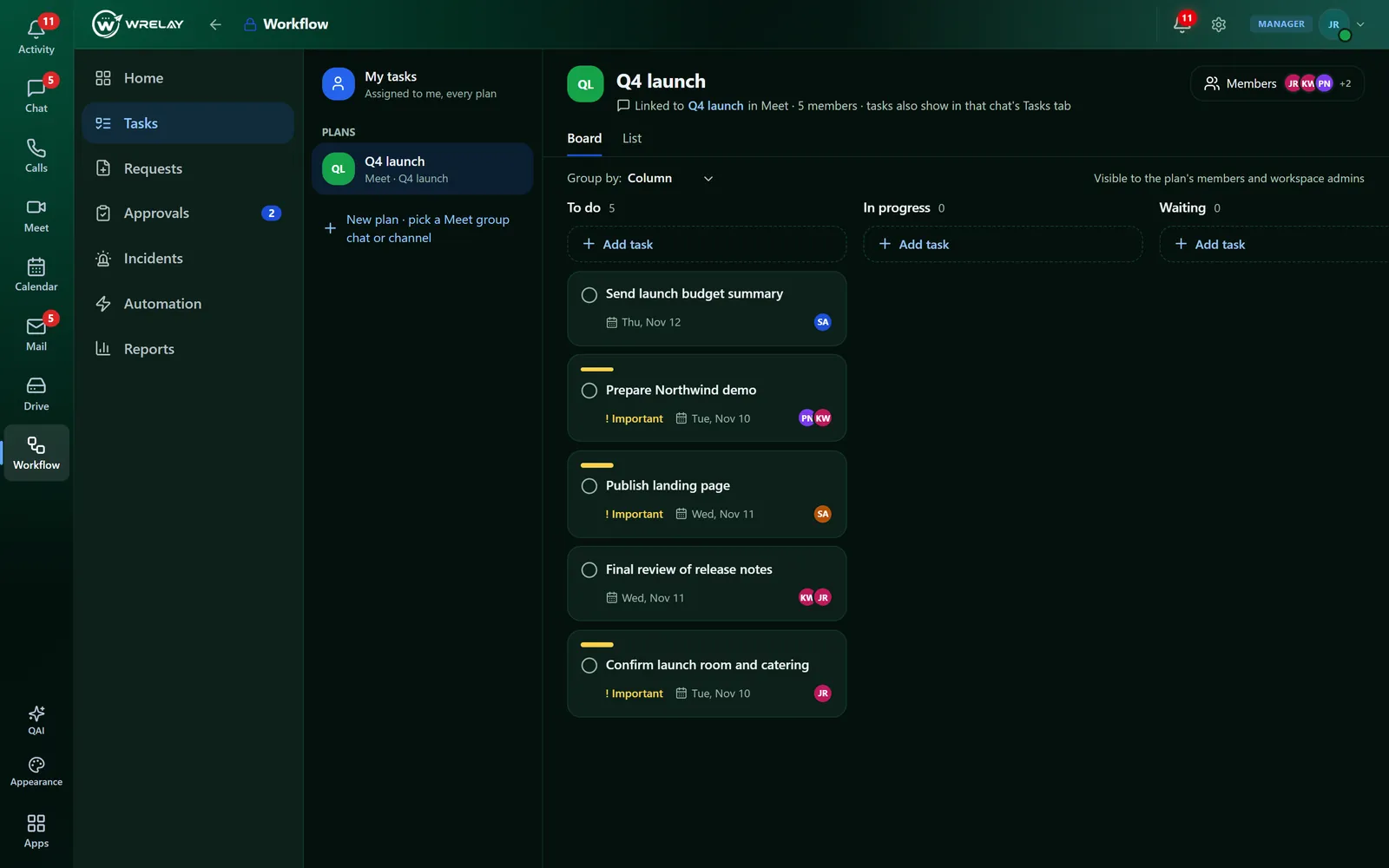
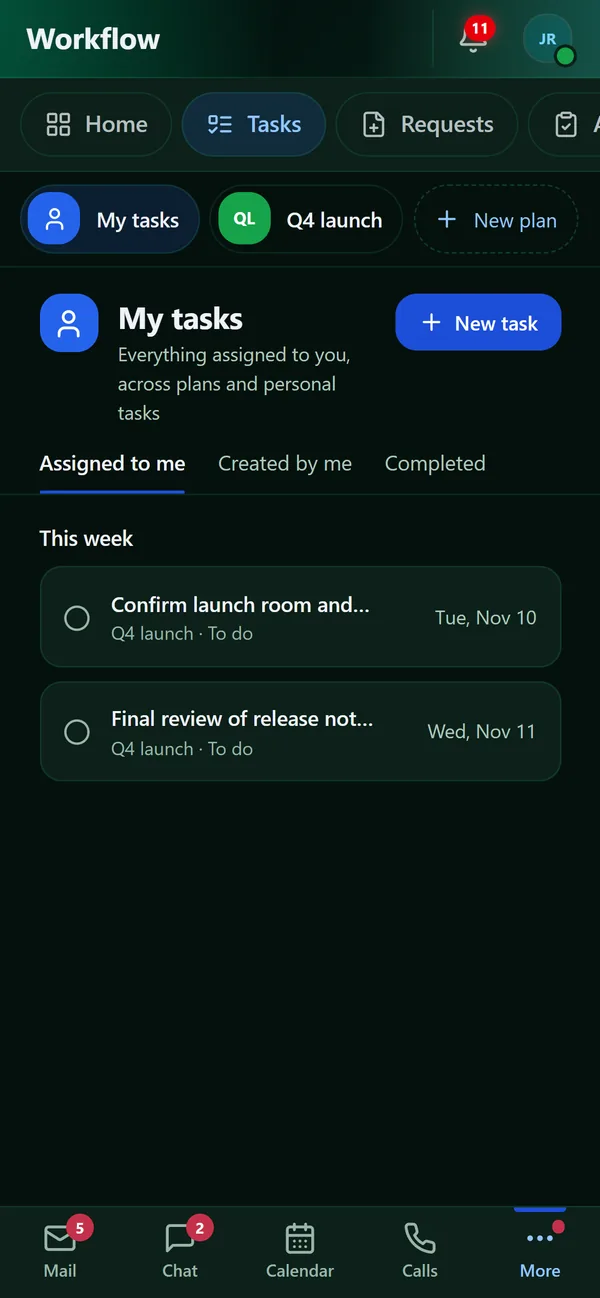
Screens from a demo workspace. The messages, files and events are examples.
What’s inside
What to explore
01
Track tasks and assigned work.
02
Follow approval steps available to your role.
03
Company workflow and authorization rules remain in effect.
Keep documents and shared files close to your team’s work.
Explore Drive →On every device
Use wRELAY in any browser, or install it on your phone or computer in seconds. It opens as an app of its own, with Mail, Chat, Calendar and Calls one tap apart.
Open wrelay.io in Chrome and tap Install app.
Open wrelay.io in Safari, tap Share, then Add to Home Screen.
In Chrome or Edge, choose Install in the address bar (or the app's Install button). In Safari on a Mac, choose File, then Add to Dock. wRELAY opens in its own window, with your unread count on its icon.
Discuss product access, seats and capacity before company setup.