
Company email alongside your team’s conversations and shared work.
Explore Mail →wRelay · communication
wRelay Calendar
Your week, your rooms, your meetings. Plan meetings and keep your team’s schedule in view.
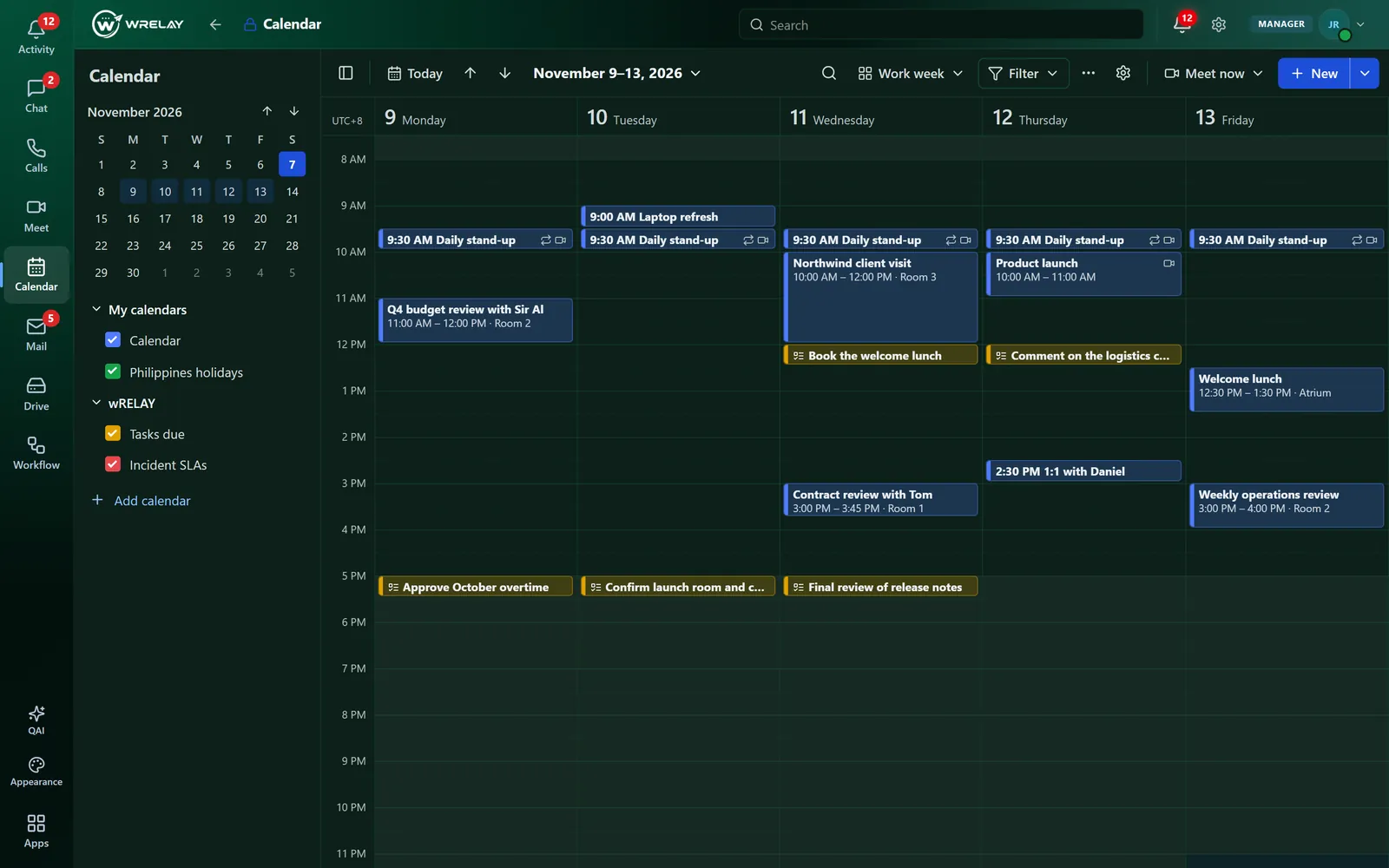
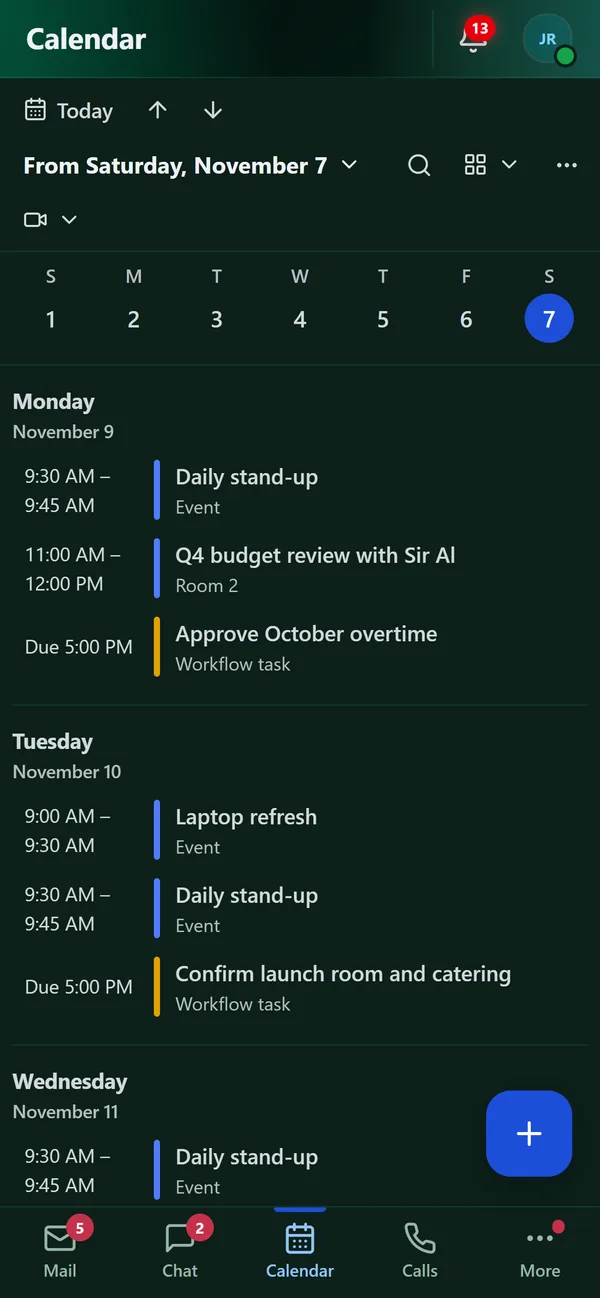
Screens from a demo workspace. The messages, files and events are examples.
What’s inside
Everything in Calendar, on a computer and a phone.
- Day, work week, week, month and agenda
- Online meetings, rooms and free or busy
- Task due dates beside your meetings
- Reminders before every meeting
What to explore
01
Everyday work
Schedule events and meetings.
02
Connected context
See colleagues’ availability where they share it.
03
Access and setup
Company sharing rules and permissions apply.
Explore related tools.
All products →Meet
Calls, team chat and meetings in one place.
Explore Meet →On every device
Your workspace,
in your pocket.
Use wRELAY in any browser, or install it on your phone or computer in seconds. It opens as an app of its own, with Mail, Chat, Calendar and Calls one tap apart.
- 1
Android
Open wrelay.io in Chrome and tap Install app.
- 2
iPhone and iPad
Open wrelay.io in Safari, tap Share, then Add to Home Screen.
- 3
Windows, Mac and Chromebook
In Chrome or Edge, choose Install in the address bar (or the app's Install button). In Safari on a Mac, choose File, then Add to Dock. wRELAY opens in its own window, with your unread count on its icon.
Start with your requirements.
Discuss product access, seats and capacity before company setup.